Christmas memories, made from your photo

AI Christmas Photo Generator

Choose a Christmas scene for your photo, or create an image from your own prompt.

Create Your AI Christmas Photos

Upload photo

Choose portrait type

Choose Christmas scene

4 scenes

5 credits per generation

Photo preview

Your Christmas Photo

Click Generate Christmas photo to start. Your finished image will appear here.

Current selection

Solo

Classic Christmas Portrait

Image ratio · Auto adapt

Generated images are stored for 7 days. Please download them promptly. Once expired files are cleared, they will no longer be available for preview or download.

Still photos up to 10 MB
Portrait types & Christmas scenes
5 credits per generation

Curated AI Christmas Photos

See What Your AI Christmas Photos Could Look Like

From snowy dates to cozy family mornings, find a scene for your AI Christmas photos.

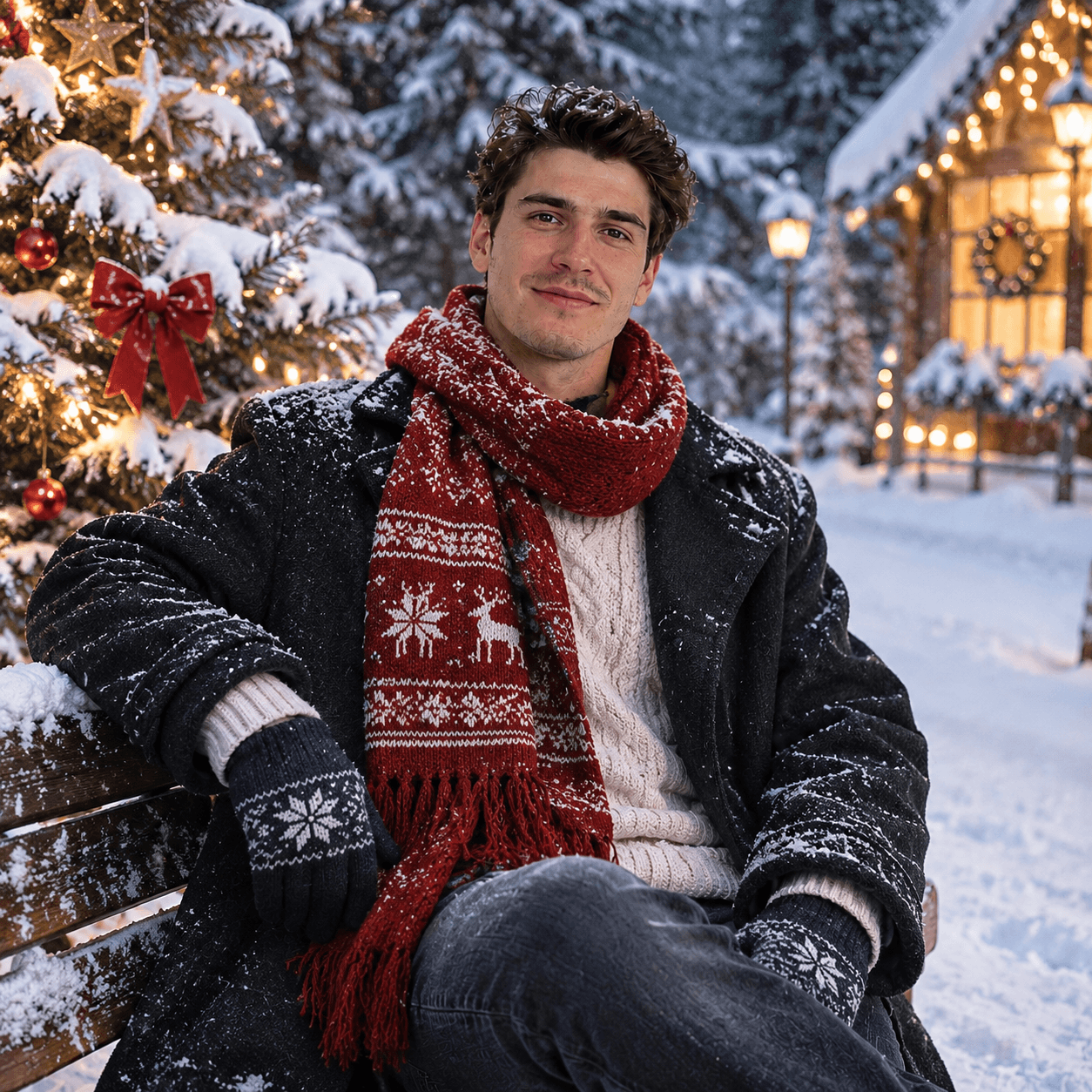
Snowy Christmas Portrait
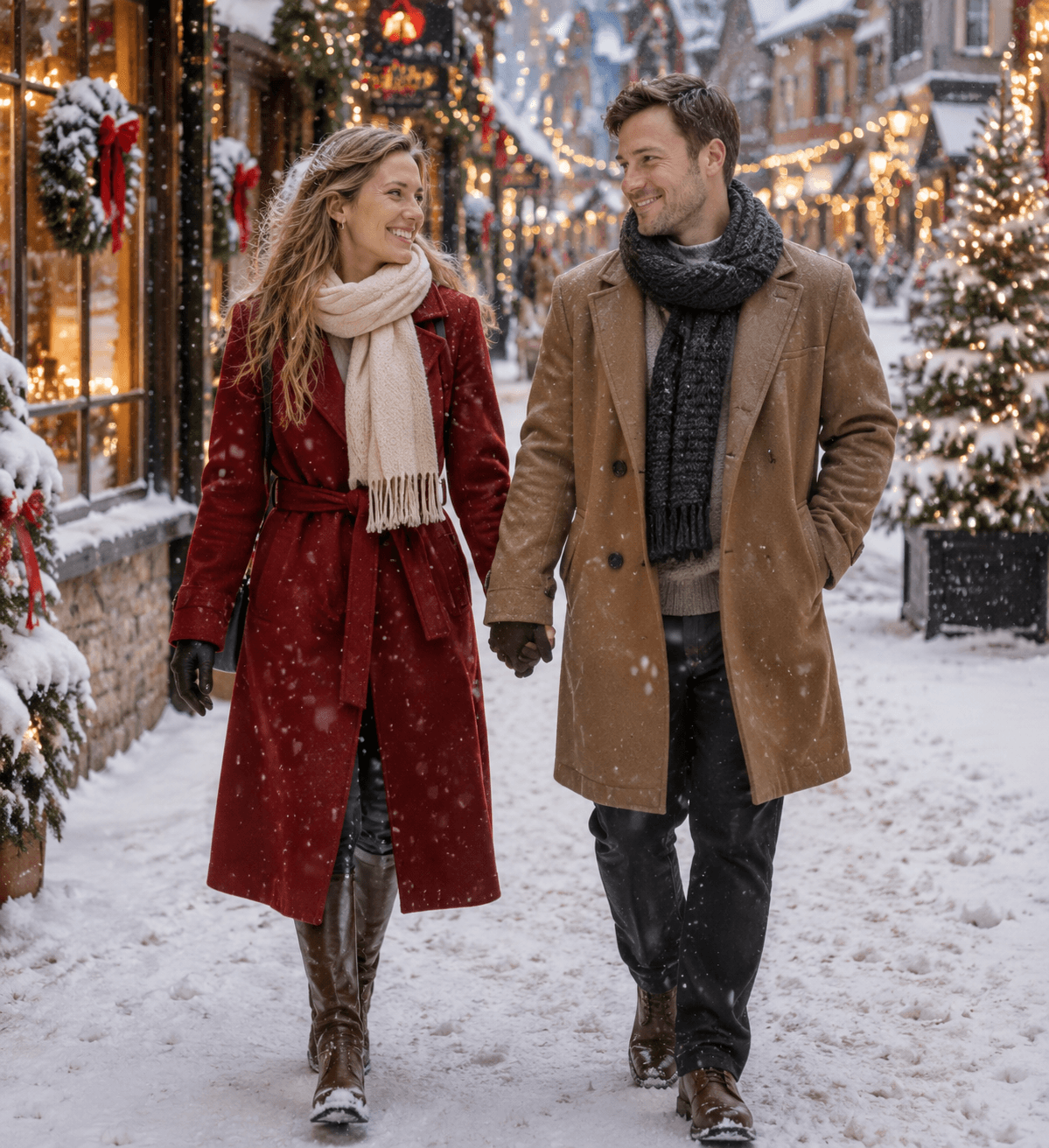
Romantic Snow Date
Romantic Snow Date
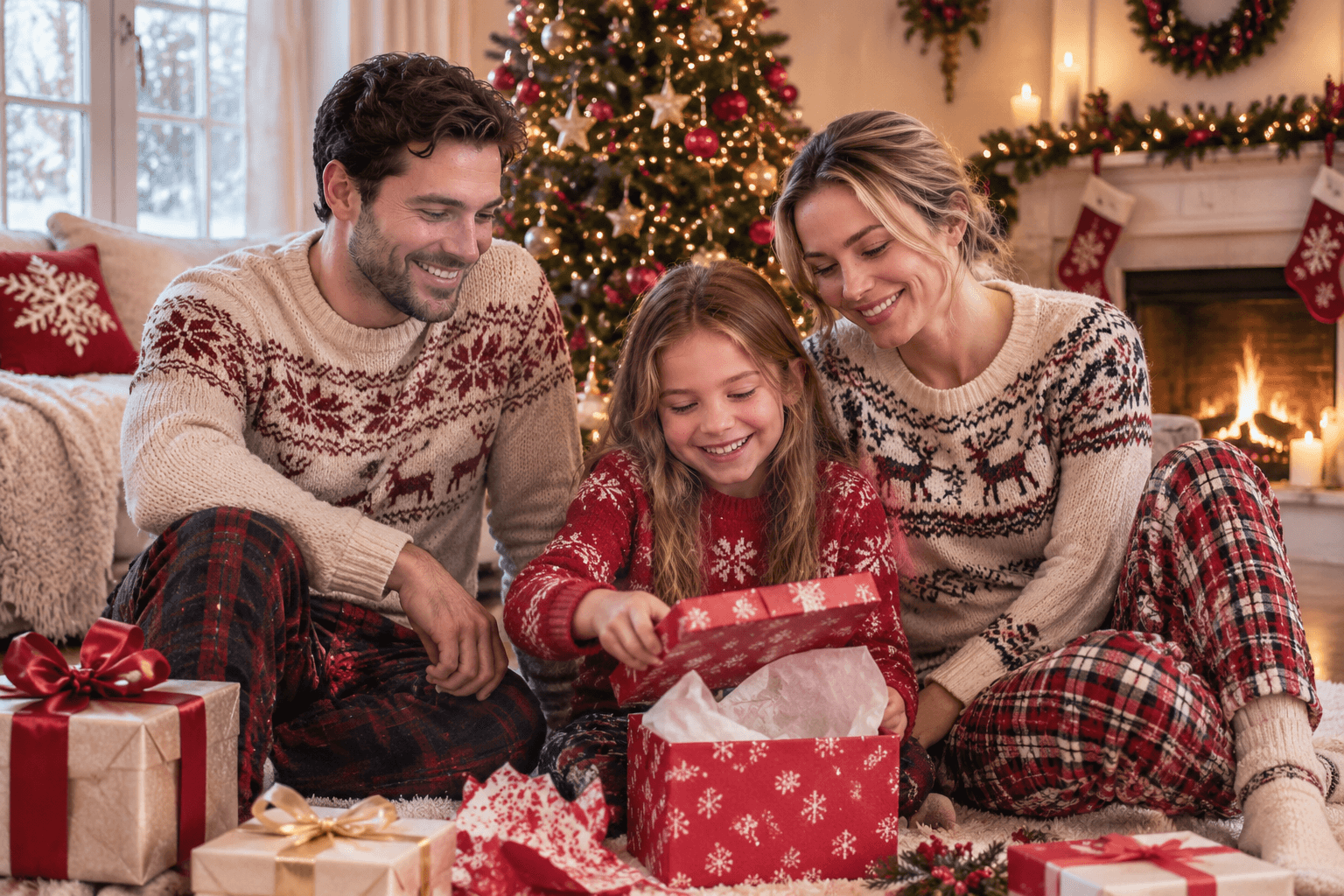
Opening Christmas Gifts
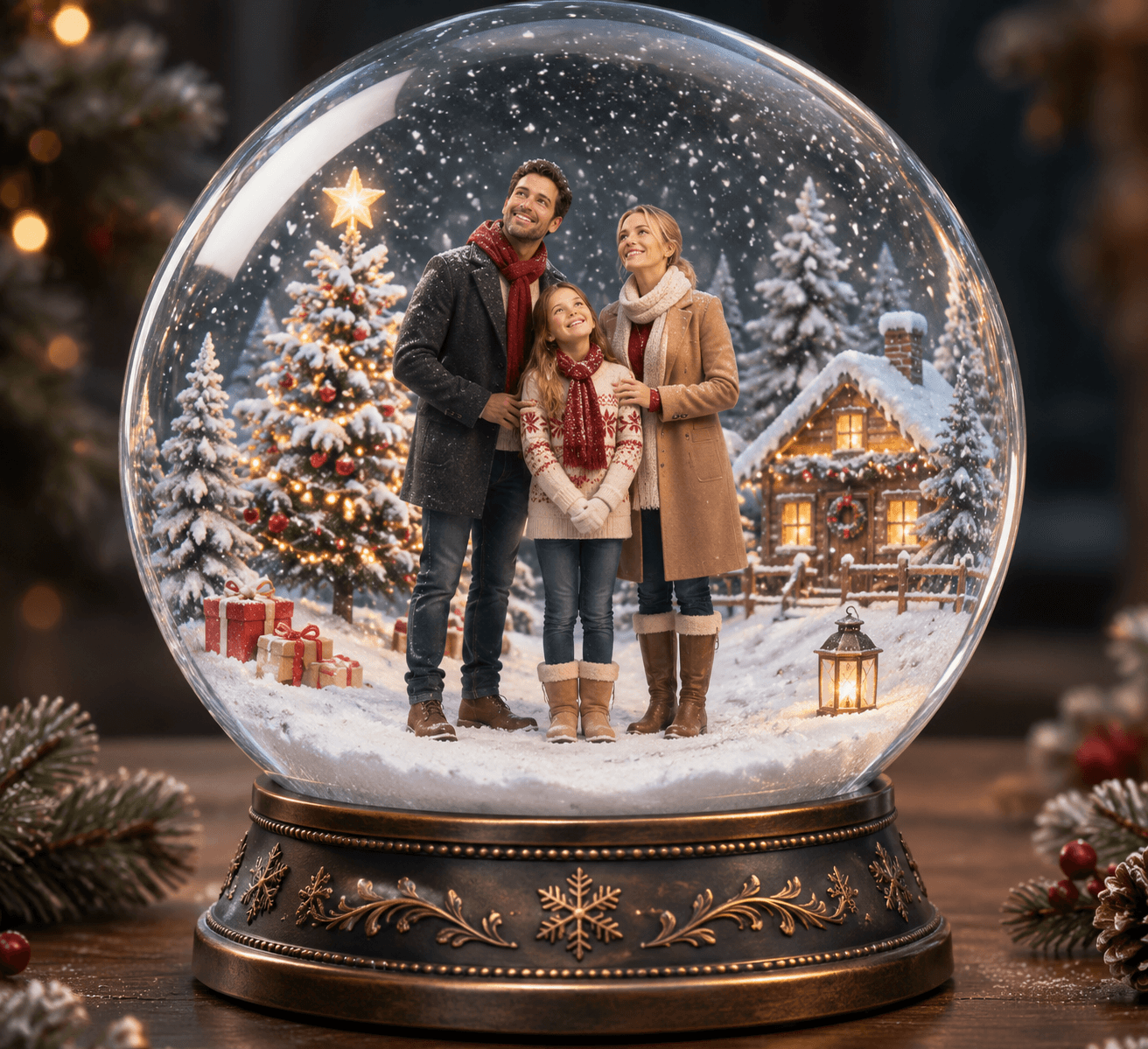
Family Christmas Snow Globe
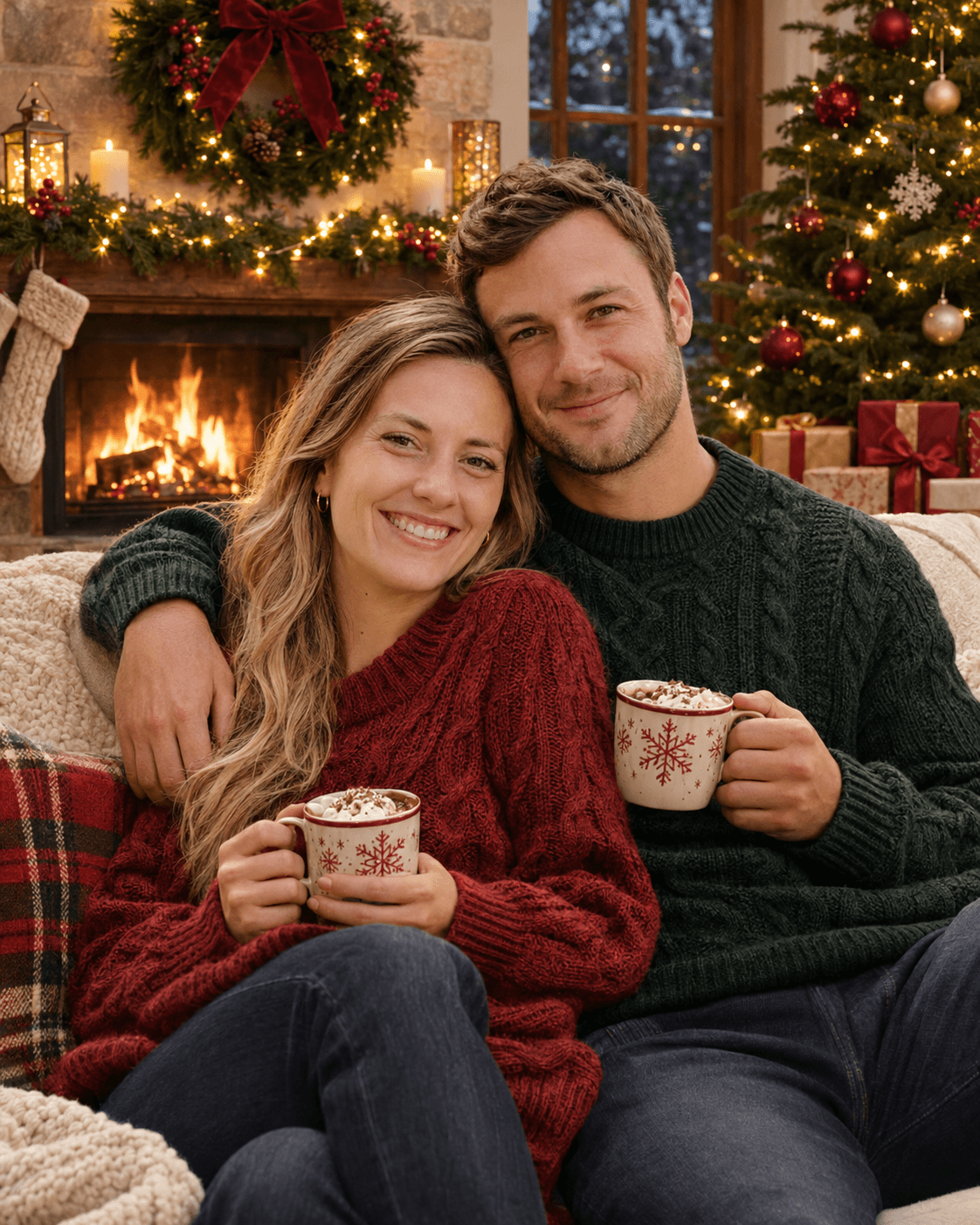
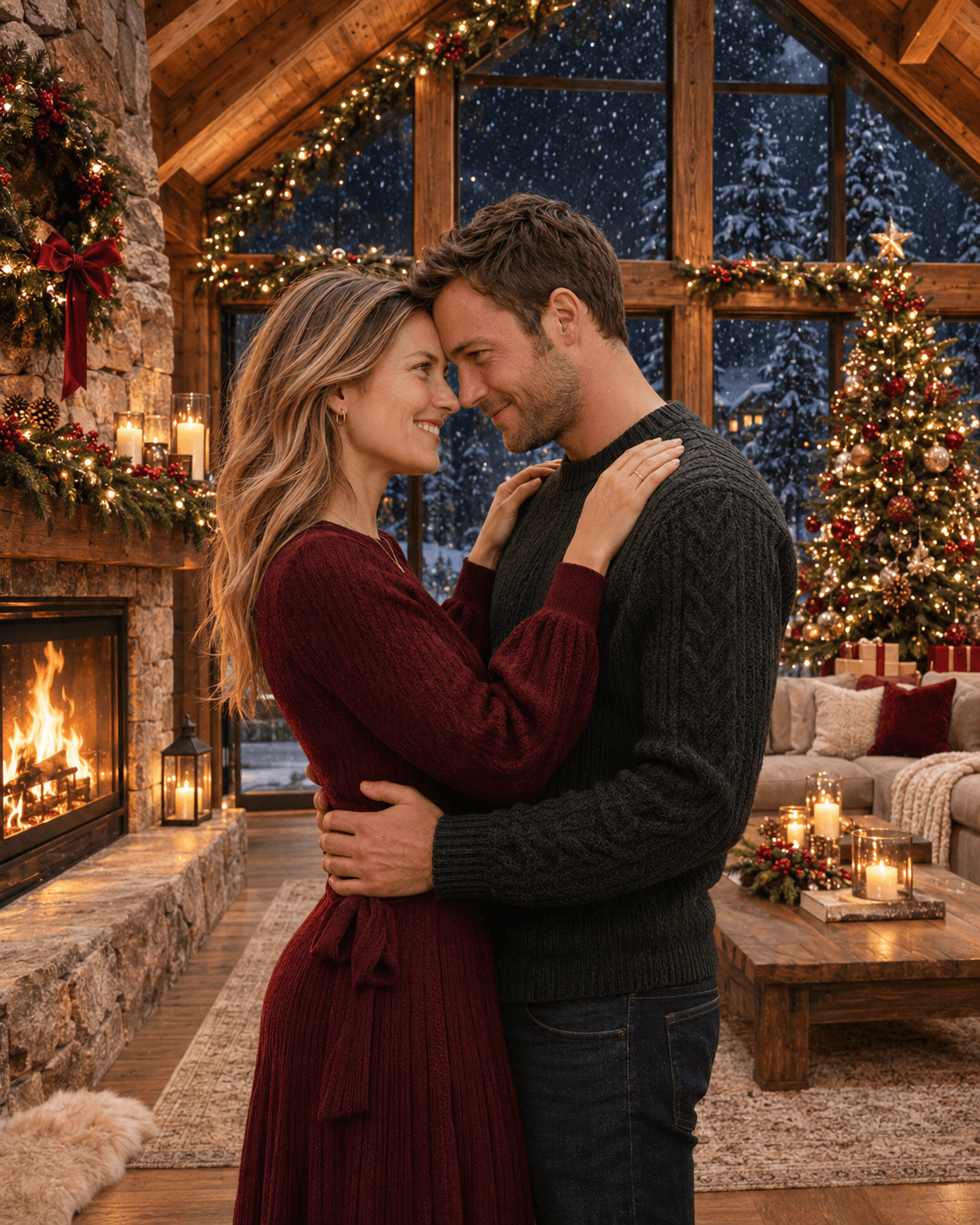
Romantic Fireplace Date
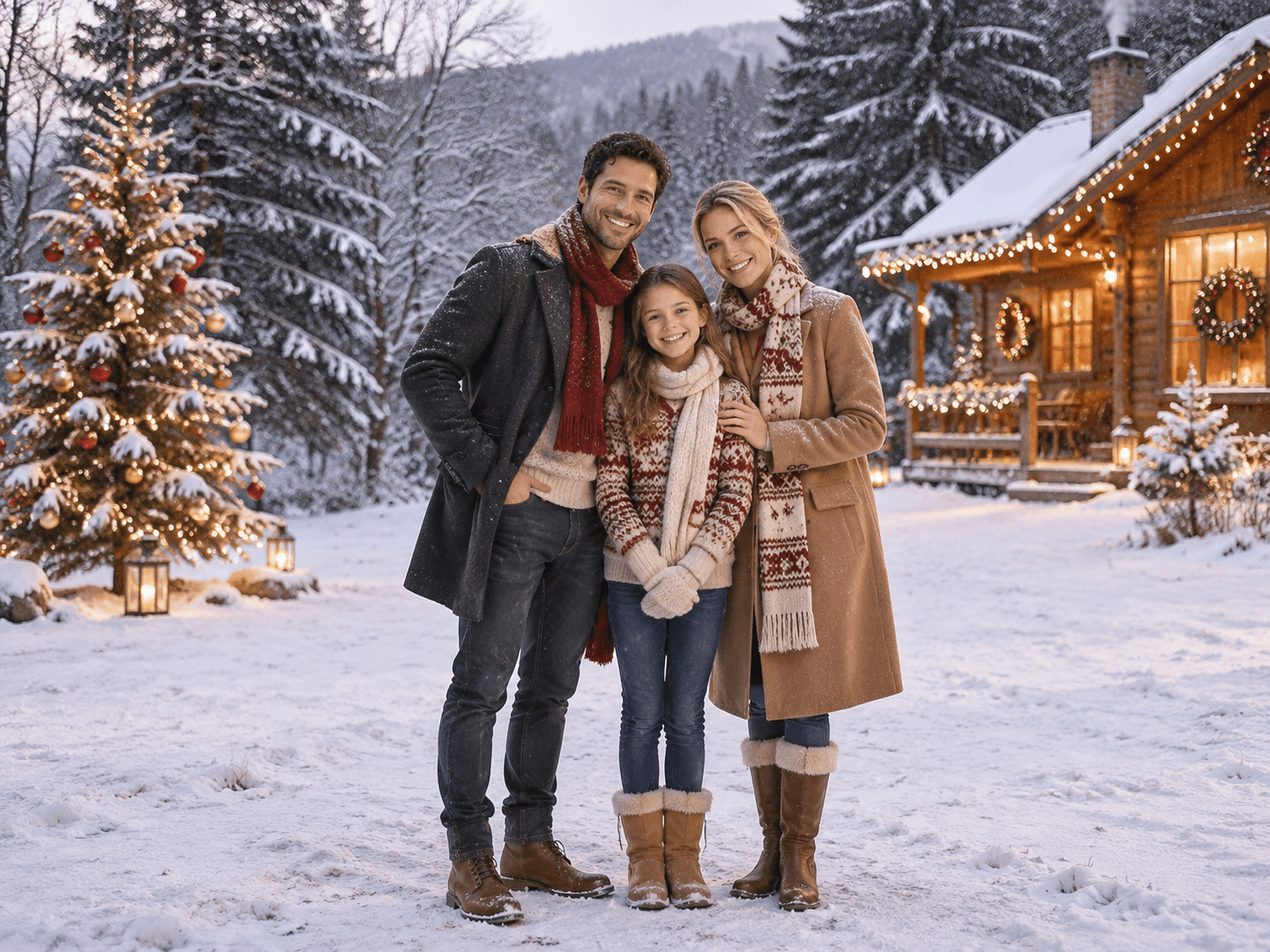
Family Snow Outing
Family Snow Outing
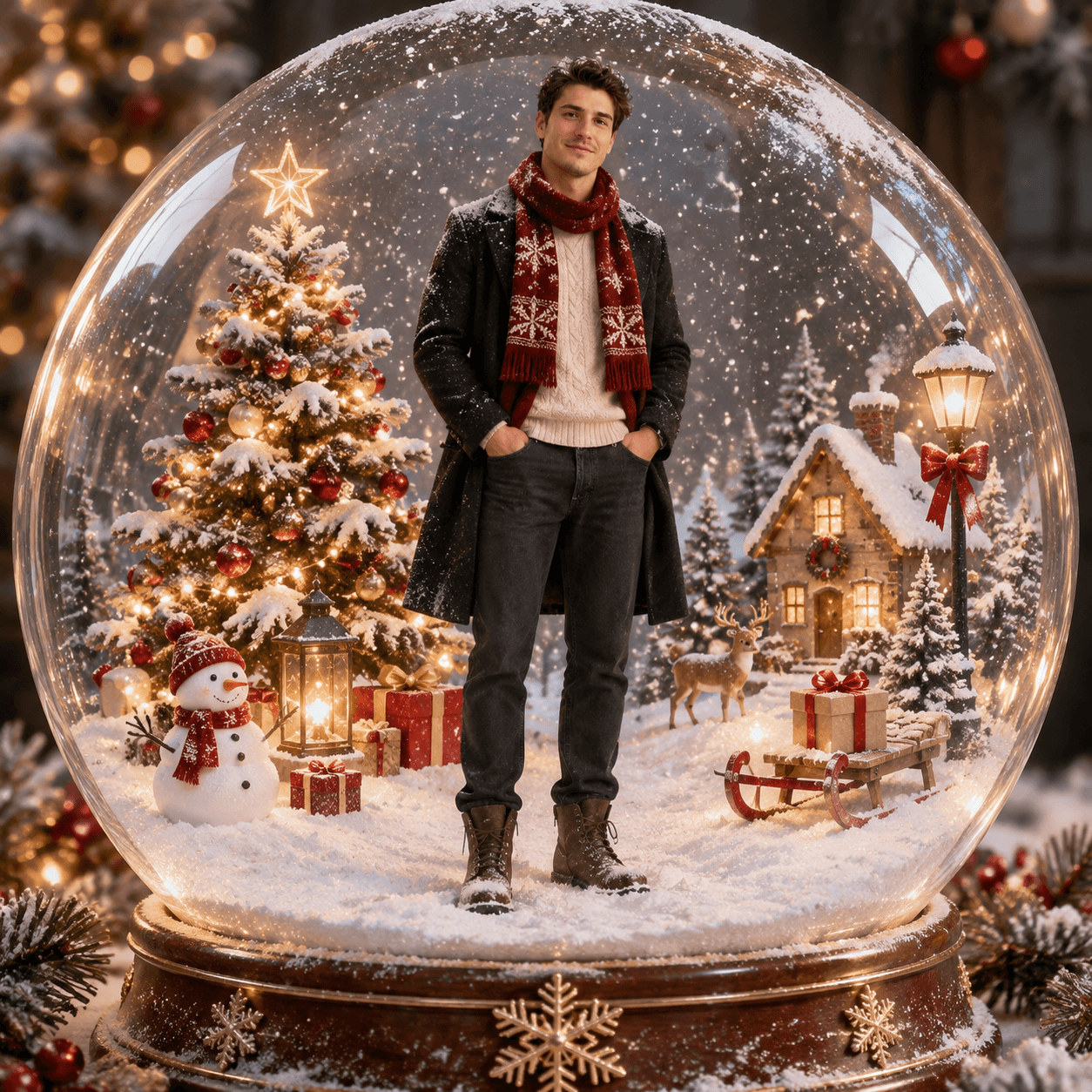
Christmas Snow Globe Portrait
Christmas Chalet Romance
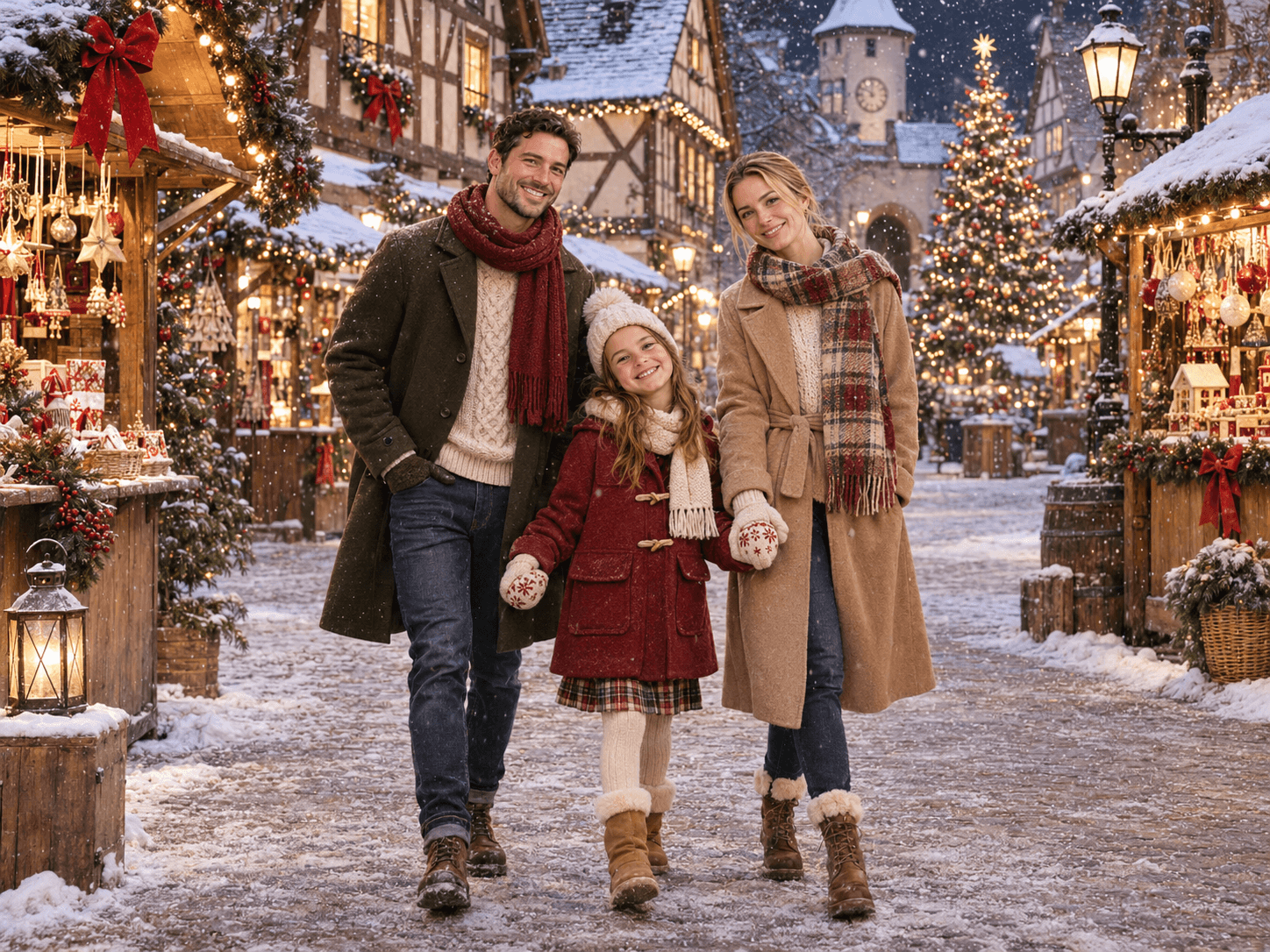
Family Christmas Market

Curated AI Christmas photos · Actual results may vary.

Find the direction for your picture

AI Christmas Photos for Individuals, Couples and Families

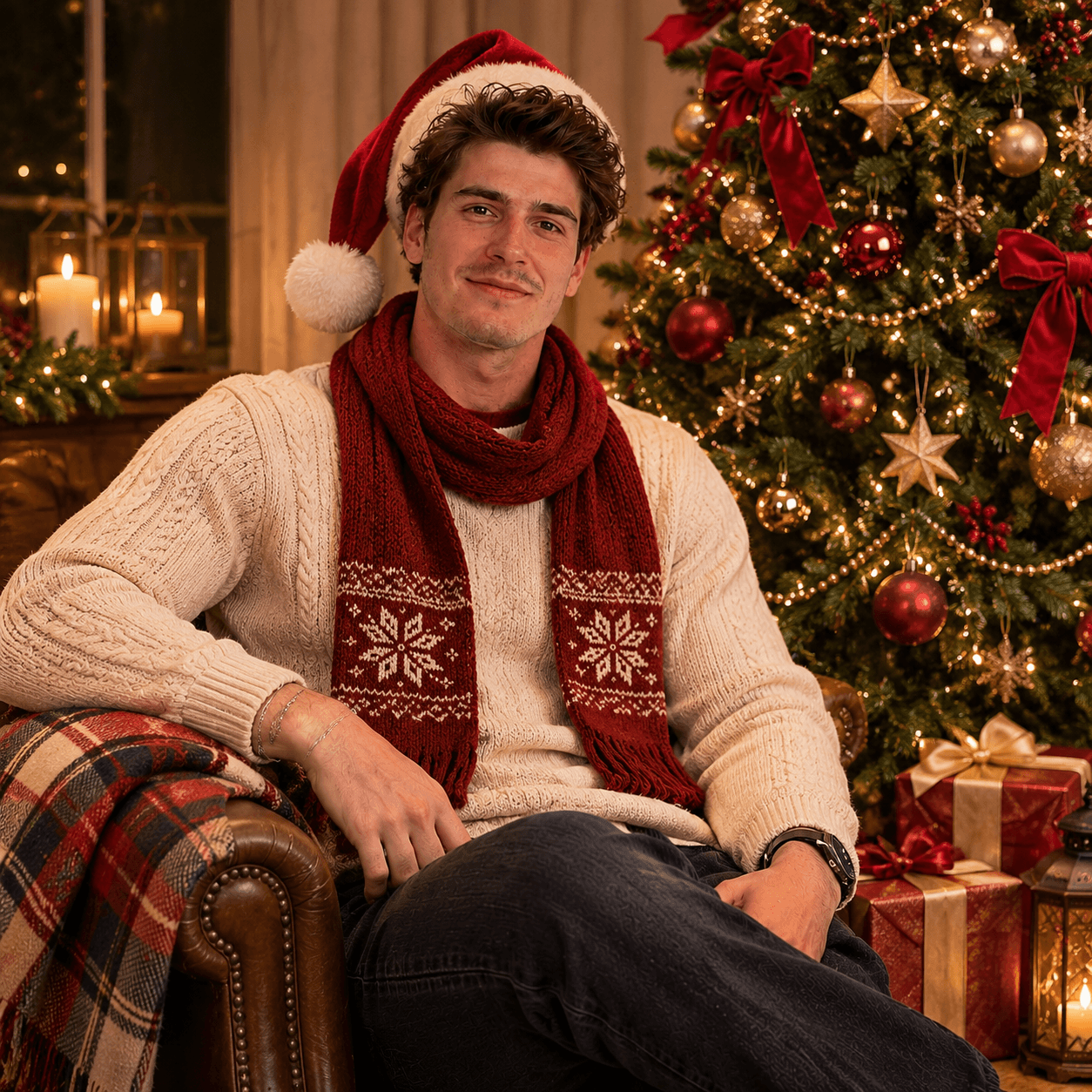
Christmas portrait of the same man wearing a Santa hat and scarf beside a decorated tree
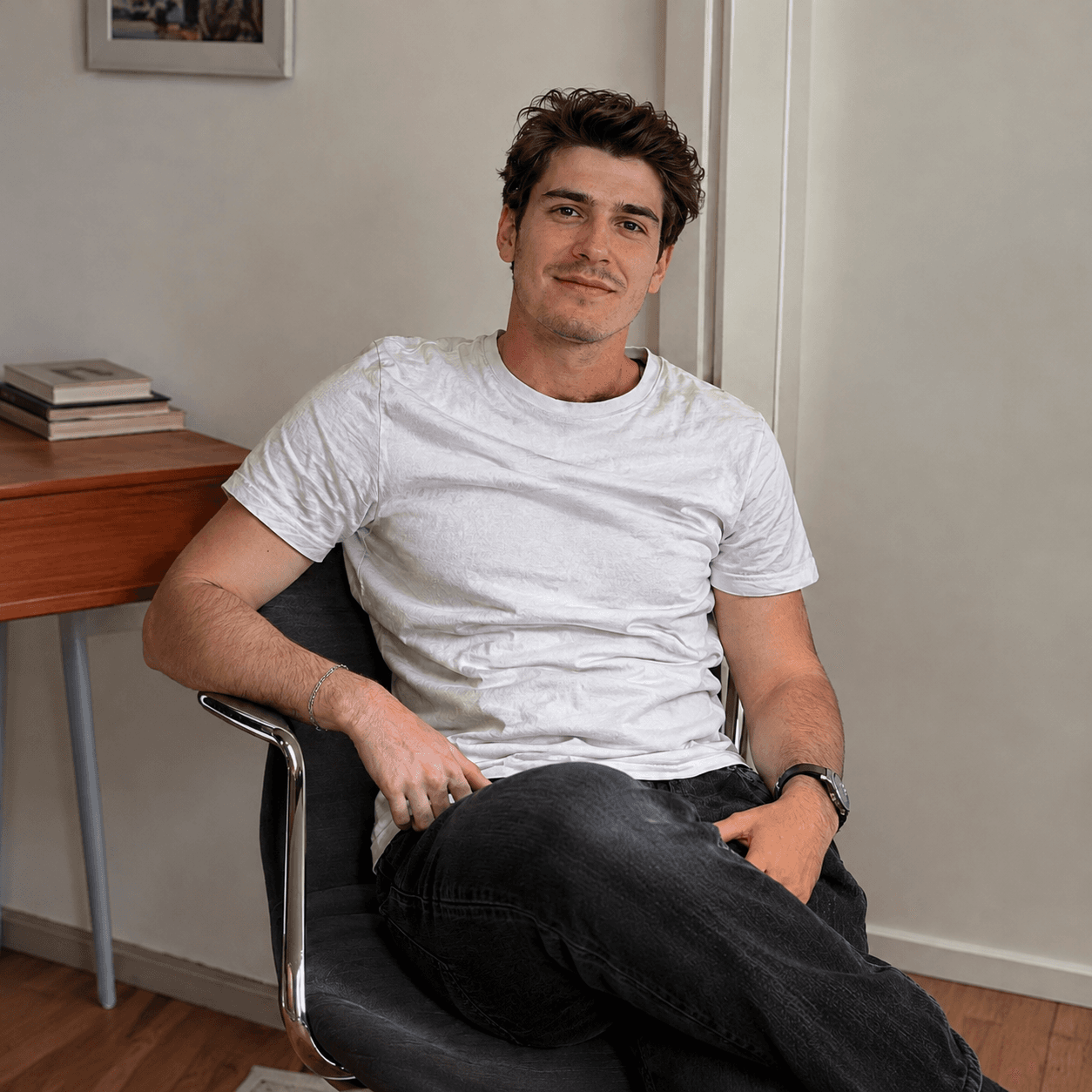
Original portrait of a man in a white T-shirt sitting in a chair

Drag the divider to compare the original and Christmas photo.

Individual Christmas Portraits

Turn an everyday portrait into AI Christmas photos with a fuller holiday transformation. The classic preset asks for festive clothing, warm lighting, and a decorated indoor scene, rather than simply adding a tree behind the person. It is a starting point for seasonal profile pictures and personal holiday keepsakes.

For recognizable AI Christmas photos, choose a well-lit picture with an unobstructed face. The direction asks the model to preserve identity, age, skin tone, and hairstyle, but it cannot guarantee an exact match. Review facial details and hands before sharing your result. Use Light Christmas Edit instead if keeping the original background matters more than changing the scene.

Go to the generator

Choose Classic Christmas Portrait

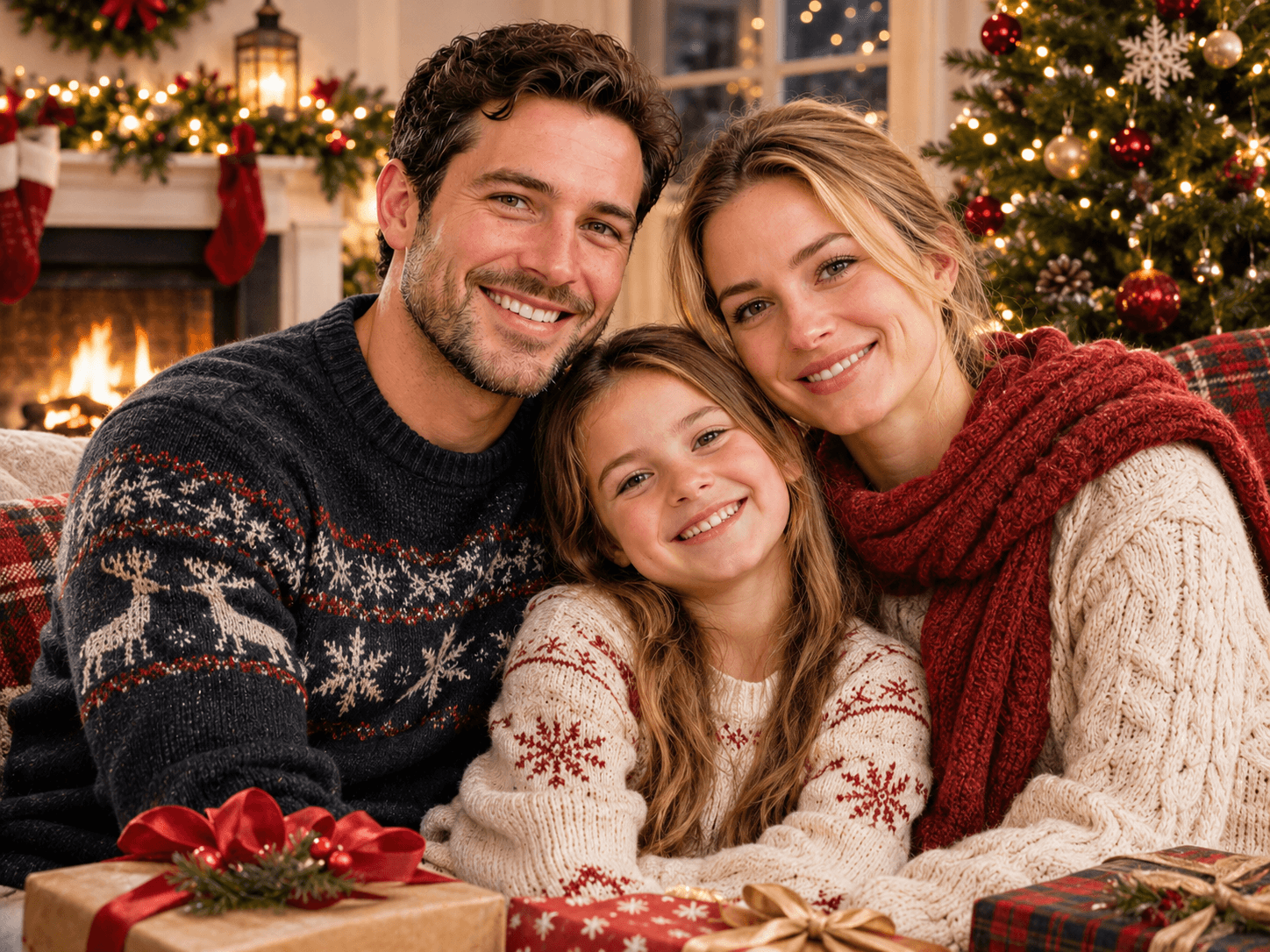
The same family in Christmas sweaters beside a festive fireplace and tree
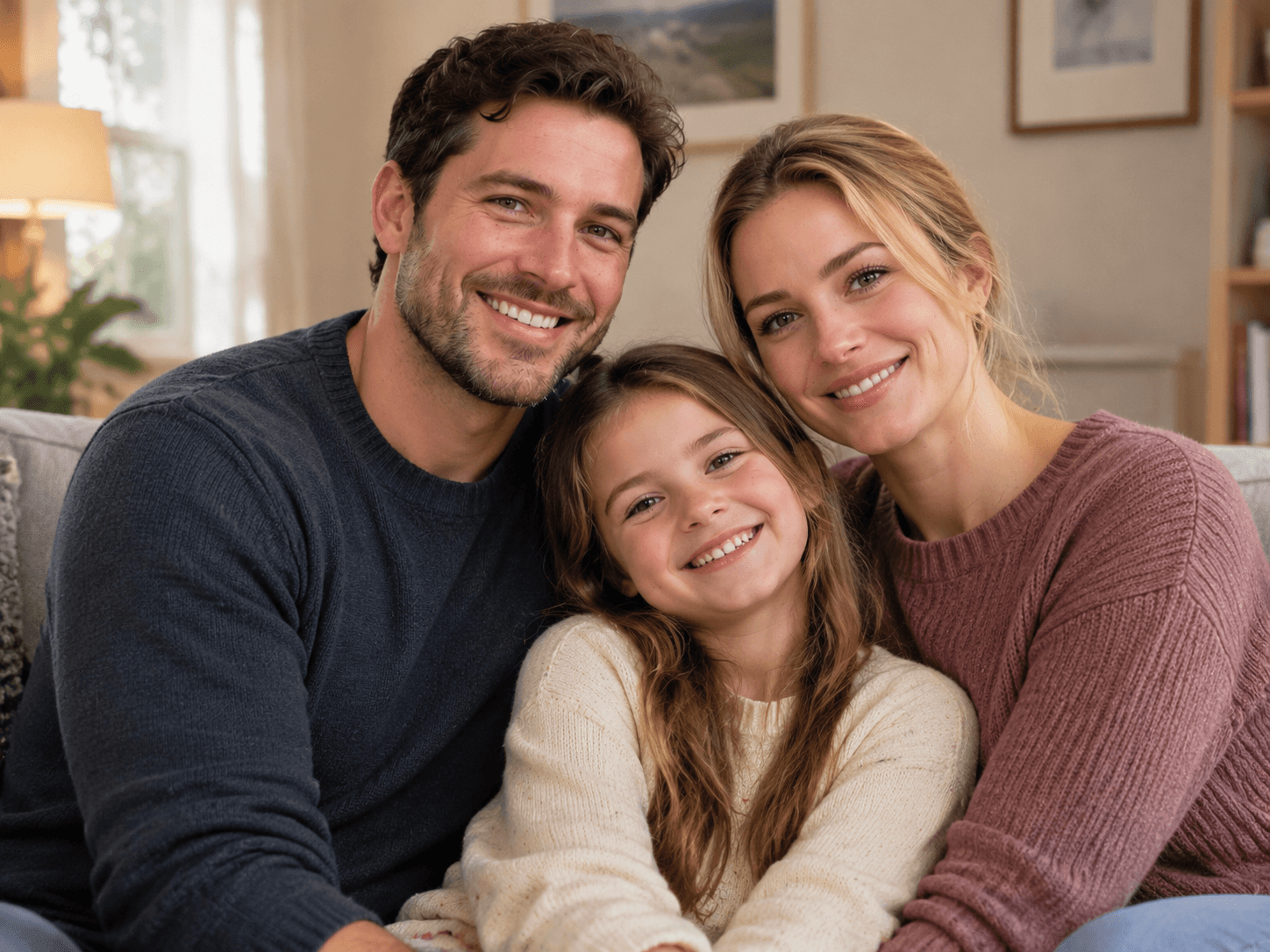
Original family portrait of two parents and their daughter on a sofa

Drag the divider to compare the original and Christmas photo.

Family Christmas Photos

Create AI Christmas photos from a family or parent-child picture. The family preset asks the model to preserve each person's identity and the number of people, while adding Christmas knitwear, a glowing tree, and a warm holiday setting. Choose a clear photo where every family member's face is visible.

Compare your AI Christmas photos with the original to check every family member's facial details, hands, and position in the group. The model can still alter details.

Go to the generator

Choose Family Christmas Portrait

The same couple holding hands on a snowy street with Christmas lights
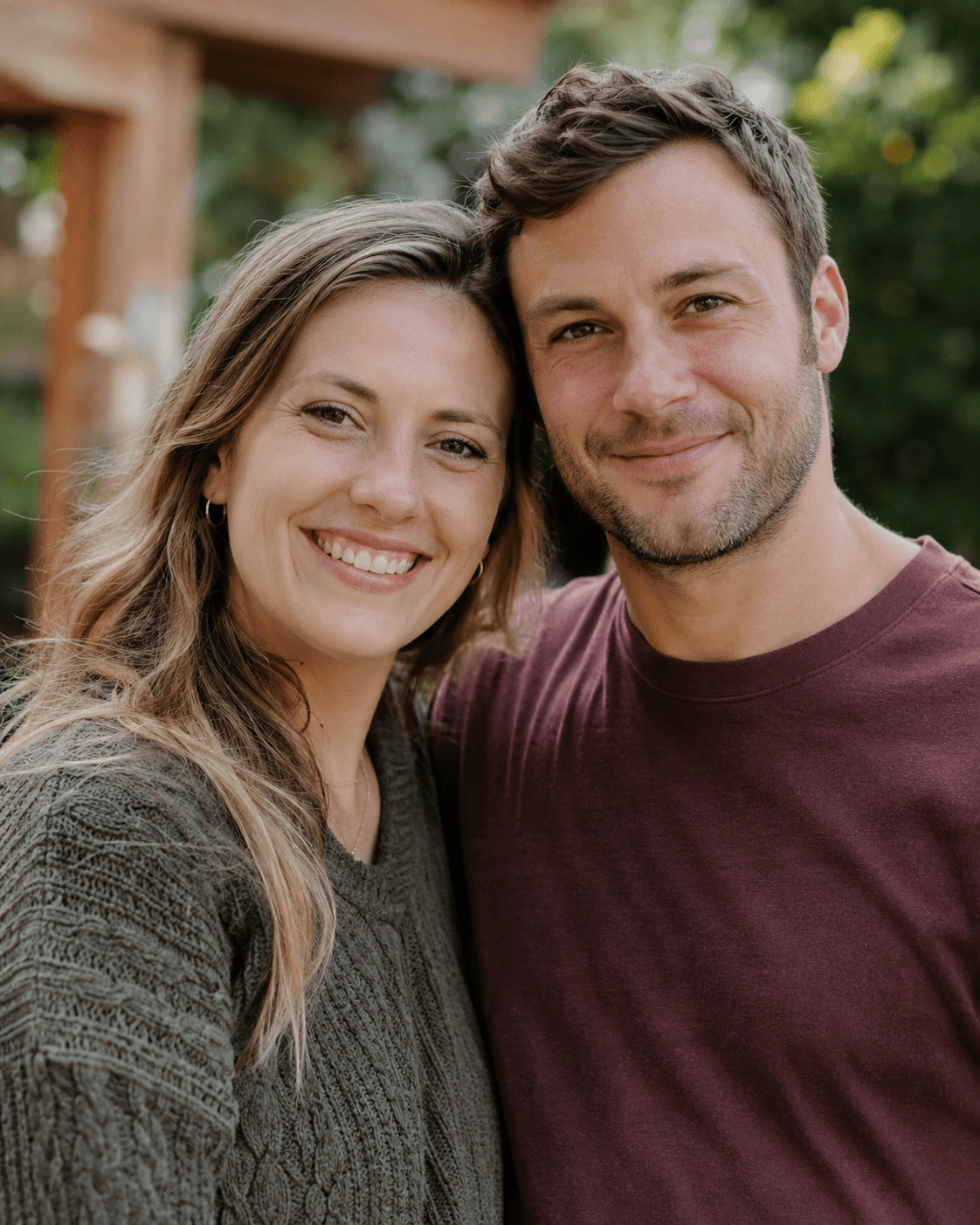
Original outdoor portrait of a smiling couple in everyday clothes

Drag the divider to compare the original and Christmas photo.

Couple Christmas Photos

Turn a photo of the two of you into romantic AI Christmas photos. Choose a cozy fireplace date, a walk through a snowy Christmas village, or an intimate moment in a mountain chalet. The prepared directions ask for both people to remain recognizable while changing the clothing, setting, and festive atmosphere.

Upload one clear photo with both faces visible, then choose Couple and your favorite scene. Compare your AI Christmas photos with the original to check both faces, the number of people, and the hand positions. AI can change details, so review the finished photo before sharing your holiday memory.

Go to the generator

Choose Couple, then Romantic Snow Date

A simple three-step flow

How to Make AI Christmas Photos

Use the AI Christmas photo generator without learning a separate dashboard. Follow these three steps to create AI Christmas photos, then download the finished image from this same page.

011

Sign in

Sign in with Google. New accounts receive 10 free credits to try making AI Christmas photos.

022

Choose how to create

For a preset scene, upload a photo and choose a portrait type and Christmas scene. With Custom Prompt, describe your AI Christmas photos; a reference photo is optional. Leave the image ratio on Auto adapt or select a fixed ratio.

033

Generate and download

Click Generate Christmas photo to start. Each generation costs 5 credits. Preview and download your AI Christmas photos when they are ready. Generating again uses another 5 credits.

Why use this generator

AI Christmas Photo Generator Features

No prompt writing

Create AI Christmas photos using prepared directions, or choose Custom Prompt to write your own scene and styling instructions.

A scene for your portrait

Choose a portrait type and explore its scenes for your AI Christmas photos, from a complete portrait to a lighter festive edit.

One page from start to finish

Upload, create AI Christmas photos, view the result, and download it here. You do not need to move into a separate creative workspace.

Credits back for failed jobs

If the provider job is confirmed as failed after a deduction, the generation credits are returned. A slow job is not automatically a failed job.

Free to try. Clear costs after that.

Free Credits for AI Christmas Photos

New accounts receive 10 free credits. Each generation costs 5 credits, enough for up to 2 AI Christmas photos using your signup balance. No credit card is required to sign up.

Purchase more credits when you want to create additional AI Christmas photos. Free signup credits are not an unlimited or recurring allowance.

Questions before you create

AI Christmas Photo Generator FAQ

Is the AI Christmas photo generator free?

Yes—you can try it without paying. Every new account receives 10 free credits, and each generation costs 5 credits, so you can create up to 2 AI Christmas photos using your signup credits. Purchase more credits when you need additional photos.

Do I need an account before uploading a photo?

Yes. Sign in with Google before uploading. You return to this page after authentication and can continue making AI Christmas photos. Creating an account does not require a credit card.

Which image formats can I use for AI Christmas photos?

You can upload a still JPG, PNG, WebP, or Apple HEIC/HEIF photo up to 10 MB. HEIC/HEIF photos are converted to JPG automatically. Animated images are not supported. For the clearest reference, use a sharp photo with the main faces visible.

What happens if generation fails?

If the provider confirms that the job failed after 5 credits were deducted, those credits are returned once. A delay or a page timeout alone does not mean your AI Christmas photos have failed.

Can I create AI Christmas photos from a family or couple picture?

Yes. Upload one group picture, choose Couple or Family, then select a scene. The direction asks the model to preserve the people in your AI Christmas photos. Check everyone in the result; AI can still change details.

Will the result still look like the people in my photo?

The directions ask for identity, facial features, age, skin tone, and hair to stay recognizable. AI Christmas photos can still vary from the source, so use a clear photo and review the finished image before sharing.

Do I need to write a prompt?

You can use a prepared portrait scene without writing a prompt. For your own AI Christmas photos idea, choose Custom Prompt and describe the result in English or Chinese. All modes offer Auto adapt and fixed image ratios.

How long does it take to generate AI Christmas photos?

Processing time varies with the provider and its queue. The result area shows when your AI Christmas photos are ready to download. There is no guaranteed completion time in seconds; a slow response does not by itself confirm failure.

Create Your AI Christmas Photos

Use a photo with a Christmas scene, or create from your own prompt. New accounts get 10 free credits to try the AI Christmas photo generator.

Try the generator